Use ARIA Wisely (and Sparingly)
ARIA stands for Accessible Rich Internet Applications, which is a powerful toolset that helps make complex web interfaces more usable for people with assistive technologies.
But here’s the catch: ARIA is easy to misuse, and misused ARIA can make things less accessible. That’s why the golden rule is:
Use native HTML first. Use ARIA only when necessary.
Good Practice
Native HTML elements (like <button>, <input>, <nav>, etc.) come with built-in accessibility: roles, keyboard support, and focus behavior. The moment you replace them with custom elements and slap on ARIA, you take on all that responsibility manually. The first ARIA rule is:
ARIA Rule #1: Don’t use ARIA if you can do it with HTML.
And this is simple to understand.
If you use role="button" on a <div>, you must also:
- Make it focusable with
tabindex="0" - Handle
EnterandSpacekey presses - Provide visible focus
- Ensure screen readers announce it correctly
Example of misuse:
<!-- ❌ Not accessible on its own -->
<div role="button" onclick="doThing()">Click me</div>

<!-- ✅ Use native element -->
<button type="button" onclick="doThing()">Click me</button>
Things to check
When conducting an accessibility audit, watch out for these common ARIA mistakes:
- Replacing semantic elements with generic ones + ARIA (e.g., div with role=“link”)
- ARIA roles that conflict with native behavior
- Using ARIA to fix layout problems or styling quirks (it won’t help)
- Adding ARIA attributes without providing proper keyboard support
For example, there is a cool pattern in ARIA called the Tabs Pattern. It allows you to create tabbed interfaces. However, if you use it, you need to make sure that keyboard navigation is implemented properly (Arrow keys to switch tabs, focus management, etc). If you just add the ARIA roles and attributes but forget the keyboard support, you are making things worse for keyboard users.
Pro Tip Adding ARIA
When you create your own component, consider that then you are responsible for the following things:
- Keyboard navigation
- Focus management Announcing dynamic
- Announcing dynamic changes (via aria-live)
- Describing elements (aria-label, aria-labelledby, aria-describedby)
So my advice here is that unless you’re building something like a custom dropdown, modal, or tab panel, stick with semantic HTML as much as possible.
When ARIA Is Useful
ARIA shines when you need to build custom widgets or enhance existing ones. Here are some scenarios where ARIA is appropriate:
- Enhancing live regions (aria-live)
- Labeling non-form controls (aria-label, aria-labelledby)
- Indicating state (aria-expanded, aria-pressed, aria-selected)
- Marking relationships (aria-controls, aria-describedby)
- Building fully custom widgets that HTML doesn’t cover
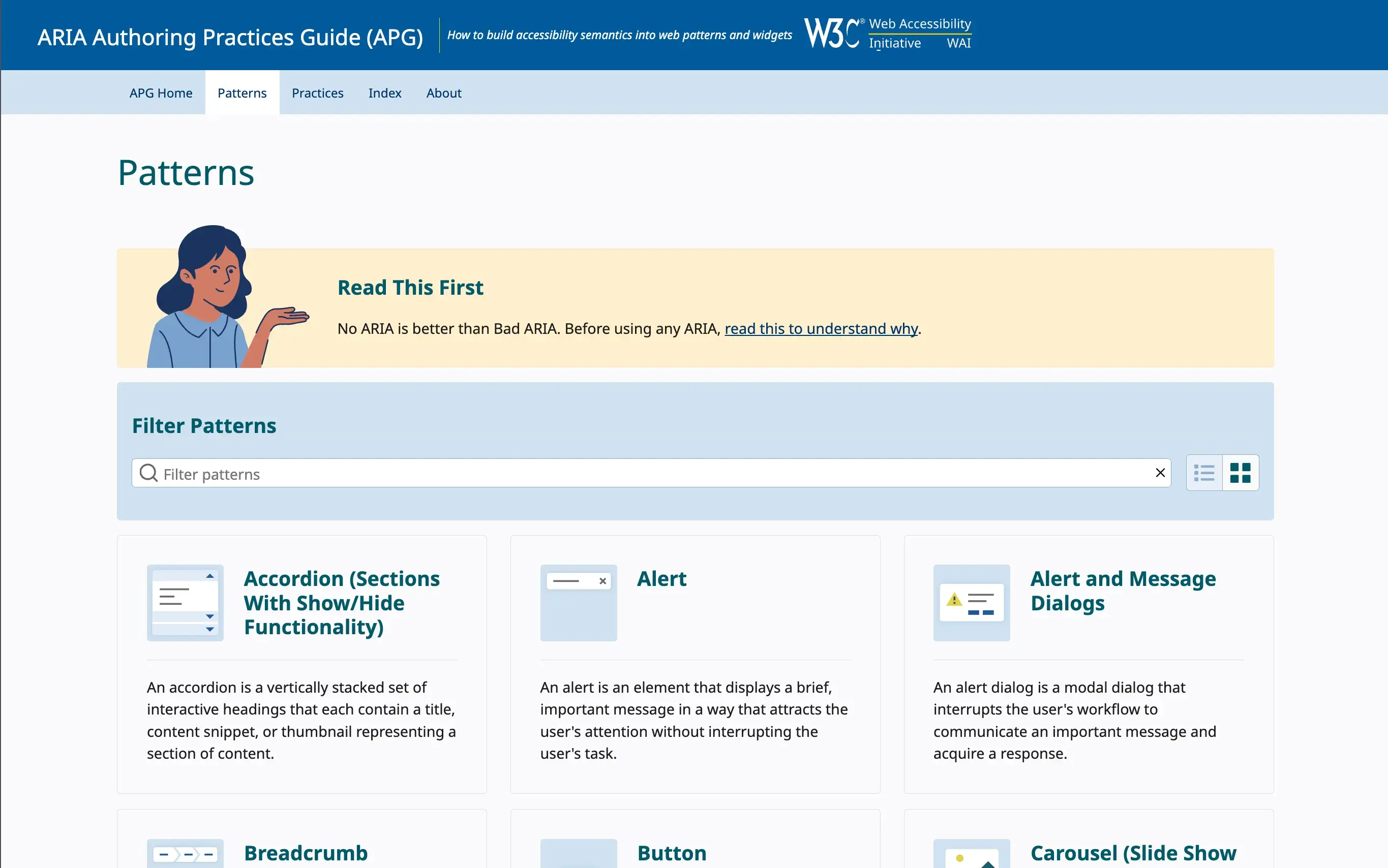
The ARIA Authoring Practices Guide provides detailed examples and patterns for using ARIA correctly. It’s a great resource to refer to when implementing ARIA in your projects.
Do this today: Check your UI components. If you’re using ARIA where a native element could do the job, switch to the semantic version. If ARIA is necessary, be sure it’s complete (with keyboard support, focus handling, and announcements).